How to prepare vinyl records for recording
Before you record a record, check it for damage, clean it, clean the stylus, and make sure the turntable is level, with the tracking force and anti-skating set to your cartridge maker's figures. Then make a short test recording to check the level and listen for hum or distortion. Preparing first saves repair work later, and some problems, like a worn stylus or a clipped recording, can't be fixed afterwards at all.
The checklist
- Inspect the record
- Clean the record
- Clean and check the stylus
- Set up the turntable
- Deal with static and vibration
- Make a test recording
1. Inspect the record
Hold the record by the edge and the label, and look at both sides under a bright light. You're looking for dust, fingerprints, mould, scratches and warps.

- Dust and fingerprints: clean the record (step 2).
- Mould or sticky residue: clean it properly before it goes anywhere near the stylus. The Library of Congress points to NEDCC's guide to cleaning discs for these cases.
- Scratches: cleaning won't remove them, so expect clicks where they are.
- Warps: play the record before you record it, to check the stylus stays in the groove all the way through.
2. Clean the record
Brush every record just before you record it, and wash anything that's visibly dirty: distilled water and a little mild, fragrance-free soap, wiped along the grooves, then a distilled-water rinse and a full dry. Our guide on how to clean vinyl records covers each method, from a brush to a vacuum machine, and what to avoid.
Don't play a dirty record to clean it. A Library of Congress report notes that using the stylus to clean the grooves does more damage to vinyl, especially if the record hasn't been cleaned first.
3. Clean and check the stylus
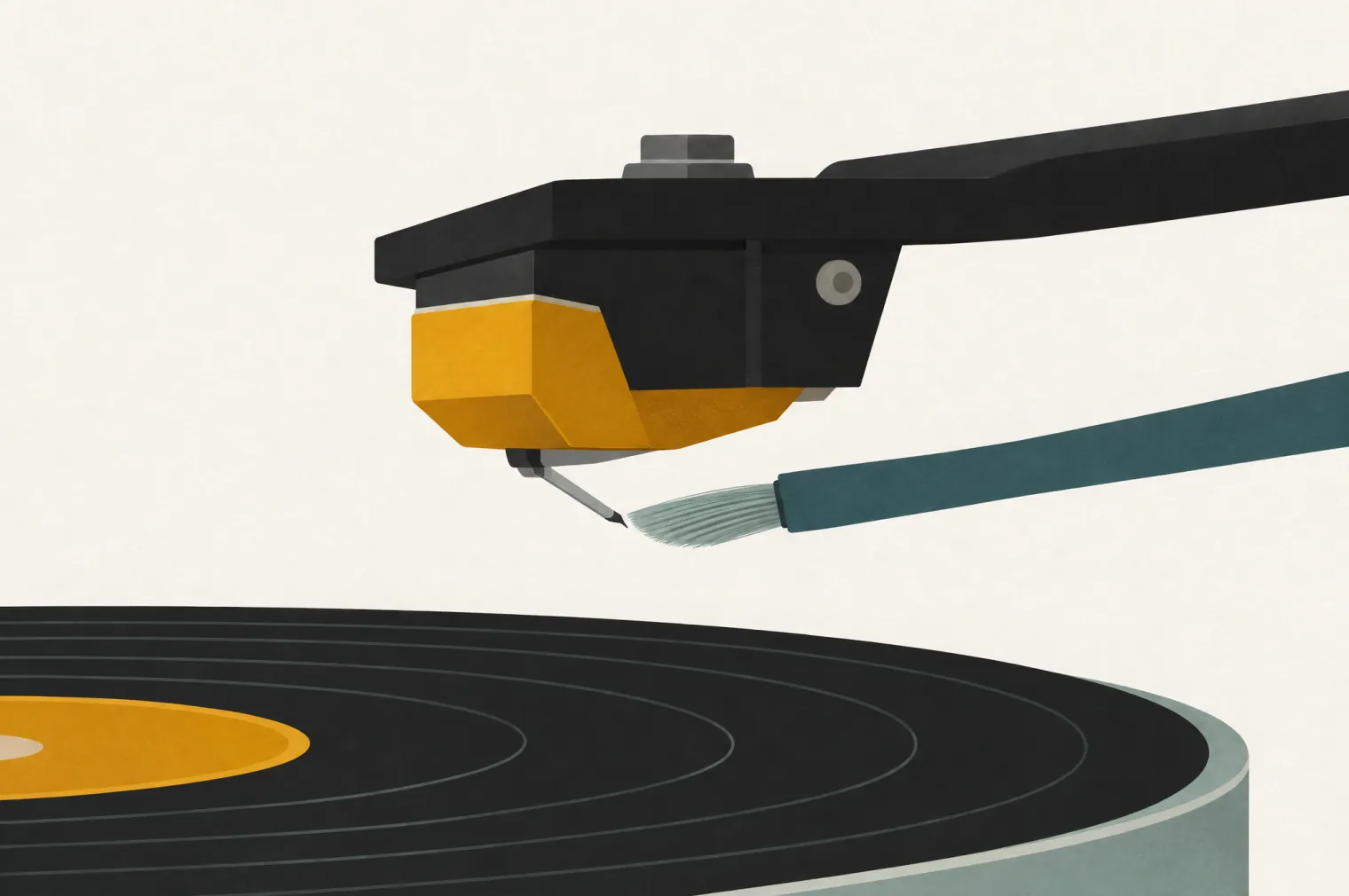
- Brush it from the back of the cartridge to the front, in the direction the record turns. Never brush side to side: Audio-Technica warns it can damage the cantilever.
- For stuck-on grime, lower the stylus briefly onto a gel stylus cleaner, then lift it straight off. Don't press it in or leave it there.
- Check how worn it is. Audio-Technica's turntable manuals recommend replacing the stylus after about 300 to 400 hours of play, depending on the model, because a worn tip sounds worse and can damage records. Your cartridge's manual gives the figure for yours.
4. Set up the turntable
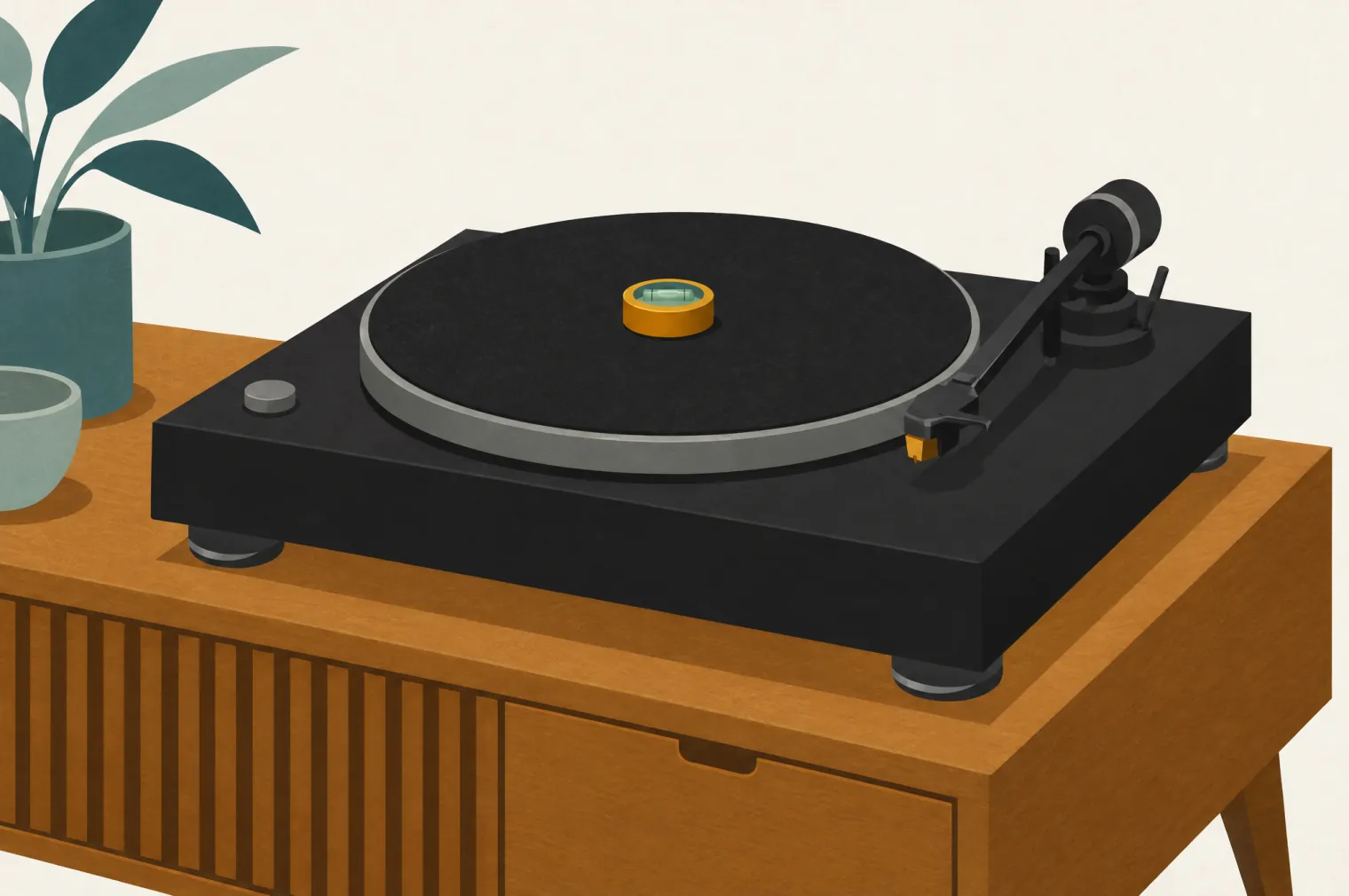
- Level: put the turntable on a stable, level surface and adjust its feet until it's level.
- Tracking force: balance the tonearm, then set the counterweight to the force your cartridge maker recommends. Ortofon advises against going above it unless the stylus skips.
- Anti-skating: for normal playback, set it to roughly the same value as the tracking force.
- Alignment: if you've fitted the cartridge yourself, align it with the card or protractor that came with the turntable.
- Speed: check you're at the right speed for the record: 33⅓ rpm for most LPs, 45 rpm for most 7-inch singles.
5. Deal with static and vibration
Vinyl's static charge pulls dust onto the record, so give it one more pass with an anti-static brush right before you press Record. Keep the turntable away from speakers and footfall: Audio-Technica's manuals link howling to vibration from the floor, walls or nearby speakers. While you record, listen on headphones rather than through speakers in the same room.
6. Make a test recording
- Record 30 seconds or so of the loudest part of the record.
- Check the peaks sit around −6 dB, as Audacity's manual suggests, and never reach 0 dB.
- Listen on headphones for hum (often a ground wire that isn't connected), distortion (a level that's too high, or a dirty or worn stylus) and sound in only one channel (a loose cable).
Then record the whole side. The recording steps, including Audacity settings, are in how to digitize vinyl records.
What can still be fixed after recording
VinylFlow's Clean Up Clicks & Rumble softens clicks and removes rumble below 15 Hz when it exports your tracks, without changing the volume. Audacity also has Click Removal and Noise Reduction tools. What software can't reliably fix: a clipped recording, distortion from a worn or dirty stylus, or skips. VinylFlow doesn't remove hum either. Get those right before you record.
Questions about preparing records
How do I prepare a vinyl record for recording?
Inspect it under a bright light, clean it (brush it, and wash it if it's dirty) and clean the stylus. Check the turntable is level, with the tracking force and anti-skating set to your cartridge maker's figures, then make a short test recording to check the level and listen for hum or distortion.
Should I clean a new record before recording it?
Yes, at least brush it, because a new record can still carry dust and static. IASA's archive guidelines say every new item should be cleaned before it goes into storage.
How do I clean a turntable stylus?
Brush it gently from the back of the cartridge to the front, in the direction the record turns, and never side to side. For stuck-on grime, touch the stylus briefly to a gel stylus cleaner and lift it straight off.
What tracking force should I use for recording?
The same as for playback: the figure your cartridge maker recommends. Set it with the tonearm's counterweight after balancing the arm, and set anti-skating to roughly the same value.
Can software remove clicks from a dirty record?
Partly. VinylFlow's Clean Up Clicks & Rumble softens clicks and removes rumble below 15 Hz, and Audacity has Click Removal and Noise Reduction tools, but cleaning the record first leaves much less to fix.
Sources
- Library of Congress: care and handling of discs, How do I clean my grooved discs? (points to NEDCC for mould), Capturing Analog Sound for Digital Preservation (stylus cleaning damages vinyl).
- IASA: TC-04 5.3.3 (static and dust), TC-05 3.8 (clean new items before storage).
- Audio-Technica: how to clean a stylus, gel stylus cleaners, turntable manuals (AT-LP60X, AT-LP70X, AT-LP2022) for stylus life, levelling and vibration.
- Ortofon: how to set up a turntable (tracking force), FAQ and DJ FAQ (anti-skating, alignment).
- Audacity manual: LP digitization workflow (peaks around −6 dB).
- VinylFlow: source code (what Clean Up Clicks & Rumble does).
Ready to record?
Record each side, then let VinylFlow split it into tracks, tag them from Discogs and export FLAC, MP3 or AIFF in about 3 minutes per album. Free for macOS, Windows and Docker.